¶ Account Access
Authentik is the login system used across most services in this homelab.
¶ What it is
- One account used for many hosted apps.
- A single place for sign-in and access control.
- A way to avoid separate passwords for every service.
¶ How to access it
- Go to auth.nicholstech.org.
- I need to send you an invite before you can use it.
- After setup, use this same account for most protected services.
¶ Invite process
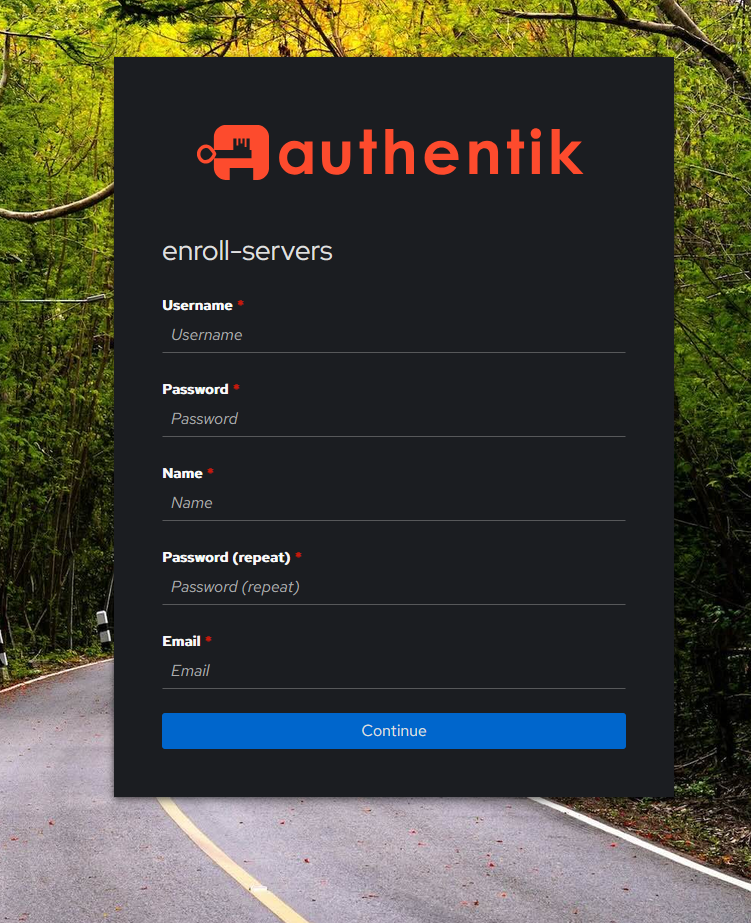
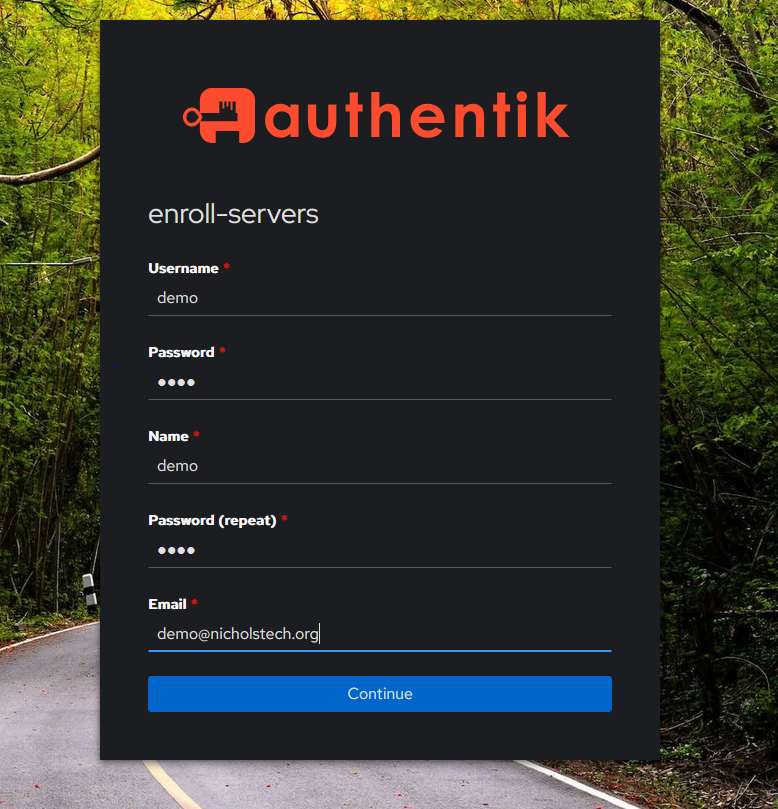
When you open the invite link I send you, you will see the above screen. Fill it in and select continue.
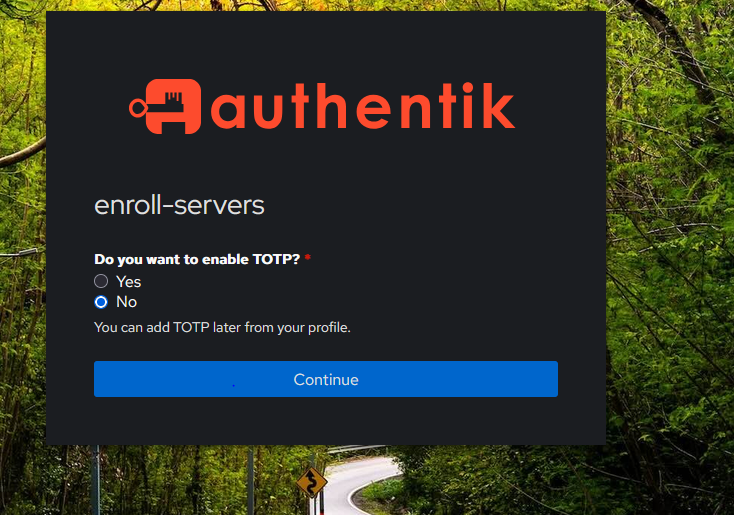
Authentik supports 2fa, the only option right now is using an app like bitwarden, microsoft authenticator etc. This is more secure and preffered but can be a hassle. I let you choose to enable it or not. Select yes or no and continue.
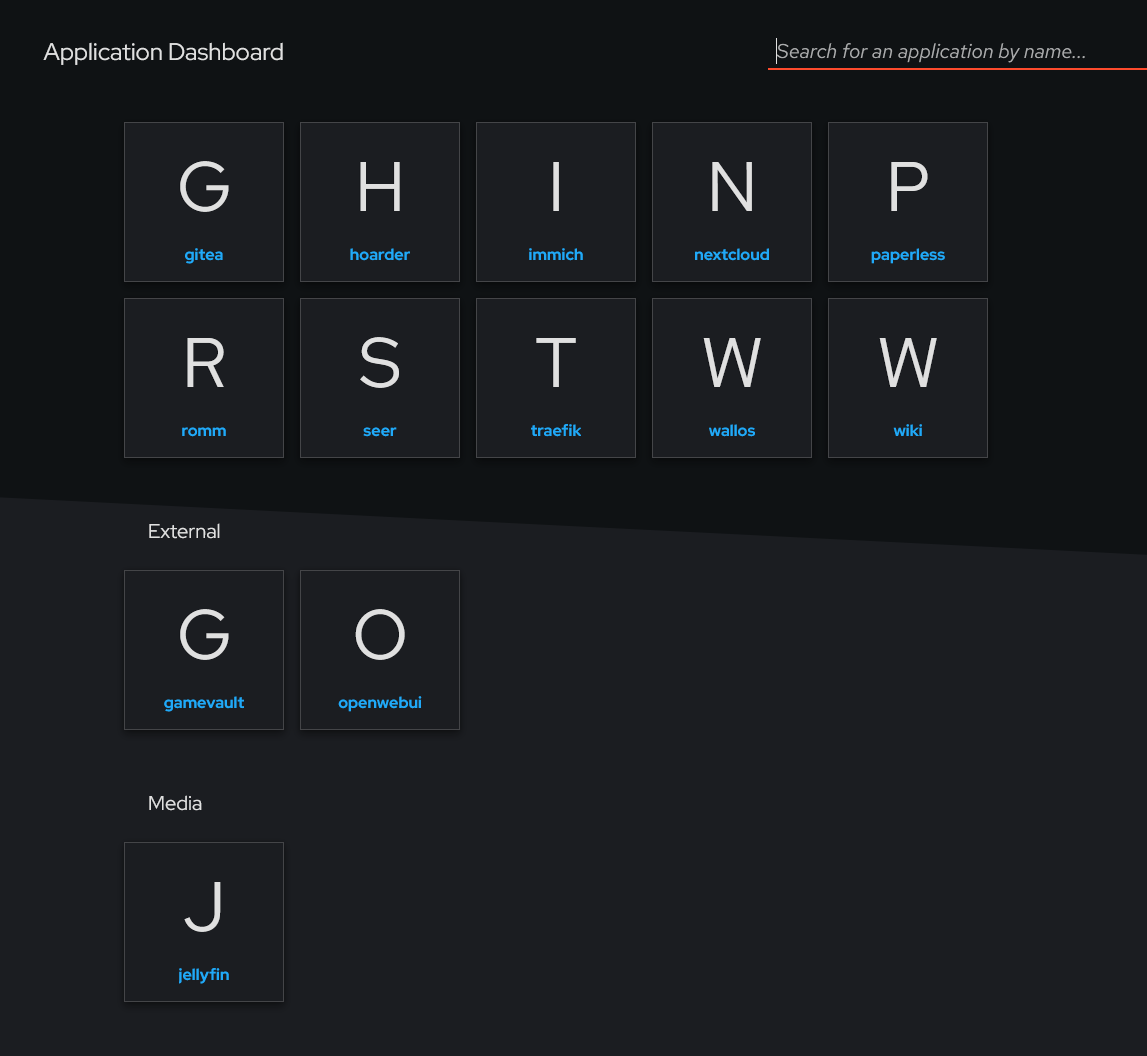
You will then see this screen, which means your logged in and this is all the services you can view.
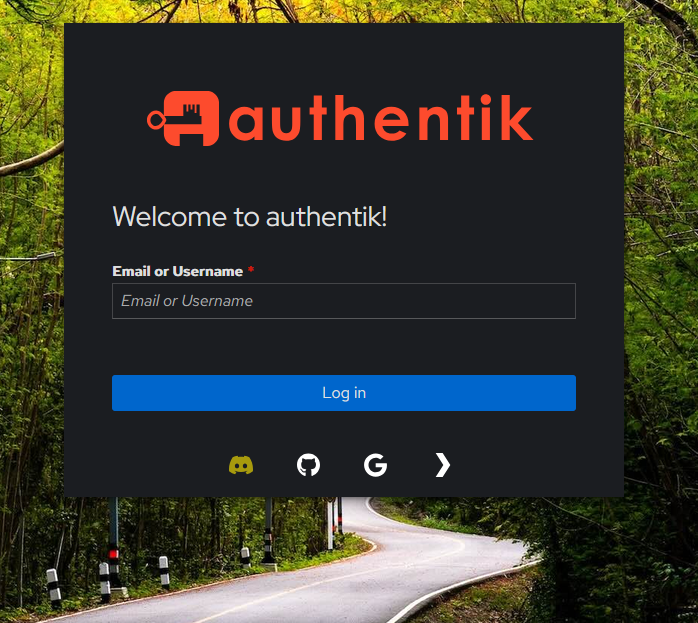
This is the normal authentik login screen, you can login with gmail, github, discord or plex.
¶ When you will see it
Most of my apps use whats called OIDC, which means you must select "Sign in with SSO". Openwebui does not, it will redirect you to authentik and then you will be auto logged into it.